In this article
Vulnerability summary
- CVE
- CVE-2026-76024, CVE-2026-76025, CVE-2026-119262
- Exploited?
- Not known. Google's release post does not say any of the 21 flaws is being exploited, and CVE-2026-76024 is not in CISA's Known Exploited Vulnerabilities catalog (version 2026.10.29). The Critical rating is Chromium's own severity rating.
Who is affected and what fixes it
| Product | Affected | Fixed in | Source |
|---|---|---|---|
| Google Chrome for Windows and Mac | Versions before 156.0.8078.79 | 156.0.8078.79/.80 | Google, checked |
| Google Chrome for Linux | Versions before 156.0.8078.79 | 156.0.8078.79 | Google, checked |
| Chrome for Android | Versions before 156.0.8078.79 | 156.0.8078.79 (Google says Android releases carry the same security fixes as desktop unless noted) | Google, checked |
| Microsoft Edge | Not confirmed; check with Microsoft | Not confirmed: Edge Stable 156.0.4314.56 (October 29) "incorporates the latest Security Updates of the Chromium project"; Microsoft hasn't listed which CVEs yet | Microsoft, checked |
Patch checklist
- On each computer, open Chrome, go to Help > About Google Chrome, let it download the update and select Relaunch. Check that the version reads 156.0.8078.79 or later (.80 is also current on Windows and Mac).
- Our tip: machines you updated to 156.0.8078.73 after Tuesday's release need this update too; .73 is now below the fixed version.
- Our tip: if you manage Chrome for a team, use your management console's version report to find browsers below 156.0.8078.79, and use the RelaunchNotification policy to prompt or require a relaunch.
- Update Chrome on Android phones from Google Play; Google says 156.0.8078.79 for Android reaches Play over the next few days.
If you can't update yet
- Our tip: until a browser is updated, avoid opening links from unknown senders in it and use an updated browser for anything sensitive. That lowers the risk; it doesn't fix the flaws.
- Our tip: Brave, Electron-based desktop apps and other Chromium-based browsers ship their own copy of Chromium and don't get Google's Chrome update; install each vendor's next security update as soon as it appears.
How to check for compromise
Not confirmed, check the vendor advisory.
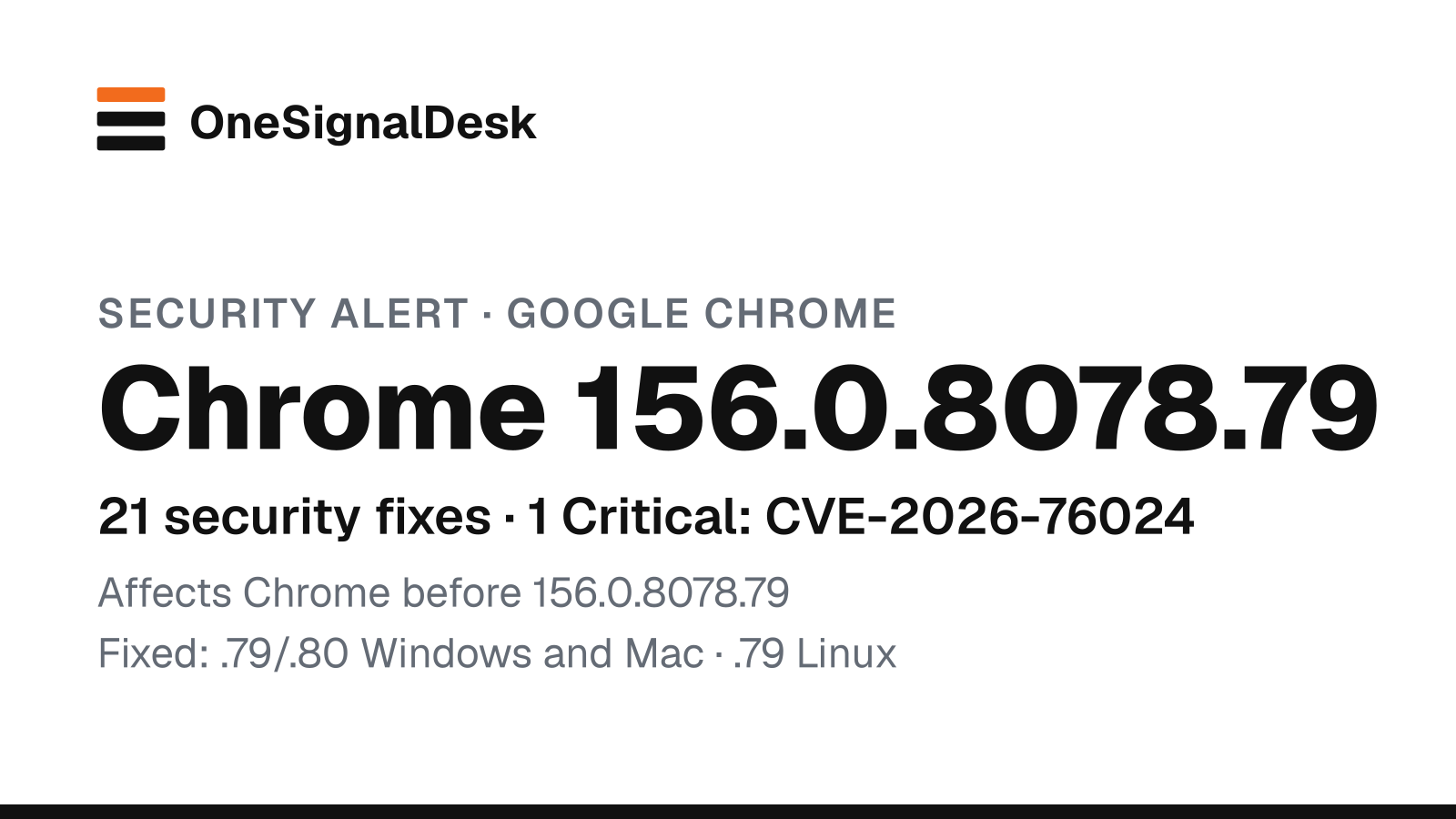
TL;DR: Two days after Tuesday’s Chrome 156 security release, Google has shipped another Chrome security update: 156.0.8078.79/.80 for Windows and Mac and 156.0.8078.79 for Linux, with 21 security fixes, one rated Critical (CVE-2026-76024). Google doesn’t say any of them is being exploited. If you updated to 156.0.8078.73 this week, update and relaunch again.
What happened
In a Chrome Releases post dated Thursday, October 29, 2026 (published 5:26 a.m. Manila time on October 30), Google said the Stable and Extended Stable channel “has been updated to 156.0.8078.79/.80 for Windows and Mac and 156.0.8078.79 to Linux”, rolling out “over the coming days/weeks”. Google says the update “includes 21 security fixes”: by our count of its list, 1 rated Critical, 19 High and 1 Medium.
The Critical flaw is CVE-2026-76024, memory corruption in MediaStream. Its CVE record, published October 30 at 8:05 a.m. Manila time, says a remote attacker could “potentially read memory inside the sandbox via a crafted HTML page.” Two of the High-rated flaws go further: the records for CVE-2026-76025 (use after free in FileSystem) and CVE-2026-119262 (improper input validation in V8, Chrome’s JavaScript engine) say a crafted HTML page could let an attacker run code inside the sandbox. Google is keeping bug details restricted “until a majority of users are updated with a fix.”
Google also released Chrome 156.0.8078.79 for Android, which it says carries the same security fixes as the desktop release unless otherwise noted. On October 29, Microsoft’s Edge security release notes listed a new Edge Stable, 156.0.4314.56, which Microsoft says “incorporates the latest Security Updates of the Chromium project”; it hasn’t yet listed which CVEs that covers.
Why it matters
Our read: the risk isn’t this one bug, it’s the timing. Chrome only applies an update when the browser restarts, and this one lands two days after Tuesday’s Chrome 156 release with 52 fixes. A computer that dutifully updated to 156.0.8078.73 is already behind again, and staff who keep Chrome open all week may not have finished the first update. The browser is where people open email links, invoices and shared documents, so a flaw reachable from a web page is a direct route to a work computer.
What to do now
- Update and relaunch Chrome everywhere. On each computer, open Help > About Google Chrome, let it update and select Relaunch. You want 156.0.8078.79 or later (156.0.8078.80 is also current on Windows and Mac).
- Recheck machines you updated this week. Our tip: 156.0.8078.73 is no longer enough; opening the About page triggers the new update check.
- If you manage a fleet, enforce it. Our tip: use your management console to find browsers below 156.0.8078.79, and set Google’s RelaunchNotification policy to prompt or require a relaunch.
- Update Android phones through Google Play.
- Update Edge, and watch Brave and Electron apps. Our tip: update Edge (the latest Stable is 156.0.4314.56; Microsoft hasn’t said which Chromium fixes it includes), and install the next security updates for other Chromium-based browsers and apps as soon as they appear.
Our Security hub tracks the rest of this week’s patches.
Updates
- Oct 30, 2026, 4:30 p.m. Manila: First published. No attacks are reported; we’ll add a dated note if exploitation is reported.
Sources & method
Sources
- Stable Channel Update for Desktop, Chrome 156.0.8078.79 (Google Chrome Releases, October 29, 2026)
- Chrome for Android Update, Chrome 156.0.8078.79 (Google Chrome Releases, October 29, 2026)
- CVE records for CVE-2026-76024, CVE-2026-76025 and CVE-2026-119262 (Chrome CNA, published October 30, 2026)
- Microsoft Edge security release notes (Microsoft, October 29, 2026 entry)
- Update Google Chrome (Google Chrome Help)
- CISA Known Exploited Vulnerabilities catalog (CISA, version 2026.10.29)
Method. Checked October 30, 2026, at 1:00 p.m. Manila time (05:00 UTC). Version numbers, CVE IDs, severities and the rollout wording come from Google’s release posts, and the publication time from the Chrome Releases blog feed; the severity counts are our count of Google’s list; the “read memory” and “execute code inside the sandbox” details come from the CVE records; the Edge status comes from Microsoft’s release notes. We checked CISA’s Known Exploited Vulnerabilities catalog. Tips marked “Our tip” and analysis marked “Our read” are ours, not Google’s or Microsoft’s. No affiliate links on this page. How we work.
Spotted an error? See our corrections policy and tell us.