TL;DR: On October 28, 2026, OpenAI started giving eligible ChatGPT Pro and Business subscribers free monthly credits for its developer API. Pro plans get $100, $200 or $500 a month depending on the tier. Business workspaces get $20 per paid Standard seat and $100 per paid Premium seat, pooled and capped at $500 a month. You claim once by linking your subscription to an API organization you own. Unused credits expire at the end of each billing cycle, and they don’t cover Codex used with API keys.
What happened
OpenAI announced the benefit in its API changelog on October 28 and in a post from its developer account. Its guide, “API credits for ChatGPT subscribers,” sets out the details:
- How much. Pro ($100 tier): $100 a month. Pro ($200 tier): $200. Pro ($500 tier): $500. Business Standard: $20 per paid seat. Business Premium: $100 per paid seat. Business credits are pooled across the workspace and capped at $500 a month, or $6,000 a year for workspaces that pay annually upfront, which get the year’s grant in one go.
- Who qualifies. A paid Pro or Business subscription that is at least seven days old. Free trials and complimentary subscriptions don’t count, and ChatGPT Enterprise isn’t eligible. You must own both the ChatGPT subscription or workspace and the API organization, and use the same email address for both.
- How to claim. Start in ChatGPT (Settings → Billing for Pro, or workspace billing or the Admin Console for Business) or in the API Platform’s Billing page, pick the API organization, and confirm. After that, credits arrive automatically when the subscription renews, “while these benefits are available,” as OpenAI’s guide puts it.
- What they cover. Paid API usage on the linked organization, including the Responses, Agents (with OpenAI-hosted sandbox charges), Decisions, GPT-Live, Realtime and Images APIs, and built-in tools such as web search, file search and Code Interpreter. No payment method is needed while you have free credits.
- What they don’t. Codex used through API keys isn’t covered, and the credits don’t raise your ChatGPT or signed-in Codex usage limits.
The first grant is prorated for the time left in your current billing cycle. Credits expire at the end of each cycle and don’t roll over.
Why it matters
If your business already pays for ChatGPT Pro or Business, this is free budget to try the API on real work: an inbox triage script, a support bot, a document pipeline, or a voice agent. A five-seat Business Premium workspace, for example, gets $500 a month. That’s enough to prototype and run a small internal tool without asking for a separate API budget.
Two details matter for planning. First, free credits are spent before any credits you bought. When both run out, OpenAI says requests fail with HTTP 429 and the error code credit_balance_exhausted, so an automation that depends on these credits will stop rather than bill you, unless you add paid credits or turn on Auto Recharge. Second, the credits sit apart from your ChatGPT and Codex plan limits. Our guide to Claude and Codex usage limits explains how those work. If you’re choosing what to build, our coverage of the Decisions API shows one cheap place to start.
What to do now
- Check eligibility. You need to own both the subscription and the API organization under the same email, and the subscription must be at least seven days old.
- Claim in the right organization. Credits apply only to the API organization you link, so use that organization’s project API keys. To change it later, you have to contact support.
- Spend before the cycle ends. Credits don’t roll over, so put them on something you’ll actually run this month.
- Decide what happens at zero. Our advice: catch the
429credit_balance_exhaustederror in your code, and decide on purpose whether to add paid credits or Auto Recharge.
What’s still unknown
OpenAI hasn’t said how long the benefit will last; its guide says only that credits renew “while these benefits are available.” It also hasn’t said whether Plus or Enterprise customers will get a version of it.
Updates
- Oct 29, 2026, 1:50 p.m. Manila: First published.
Sources & method
Sources
- OpenAI developer guide, “API credits for ChatGPT subscribers”
- OpenAI API changelog, Oct 28, 2026 entry
- OpenAI Developers on X, Oct 28, 2026 (US time)
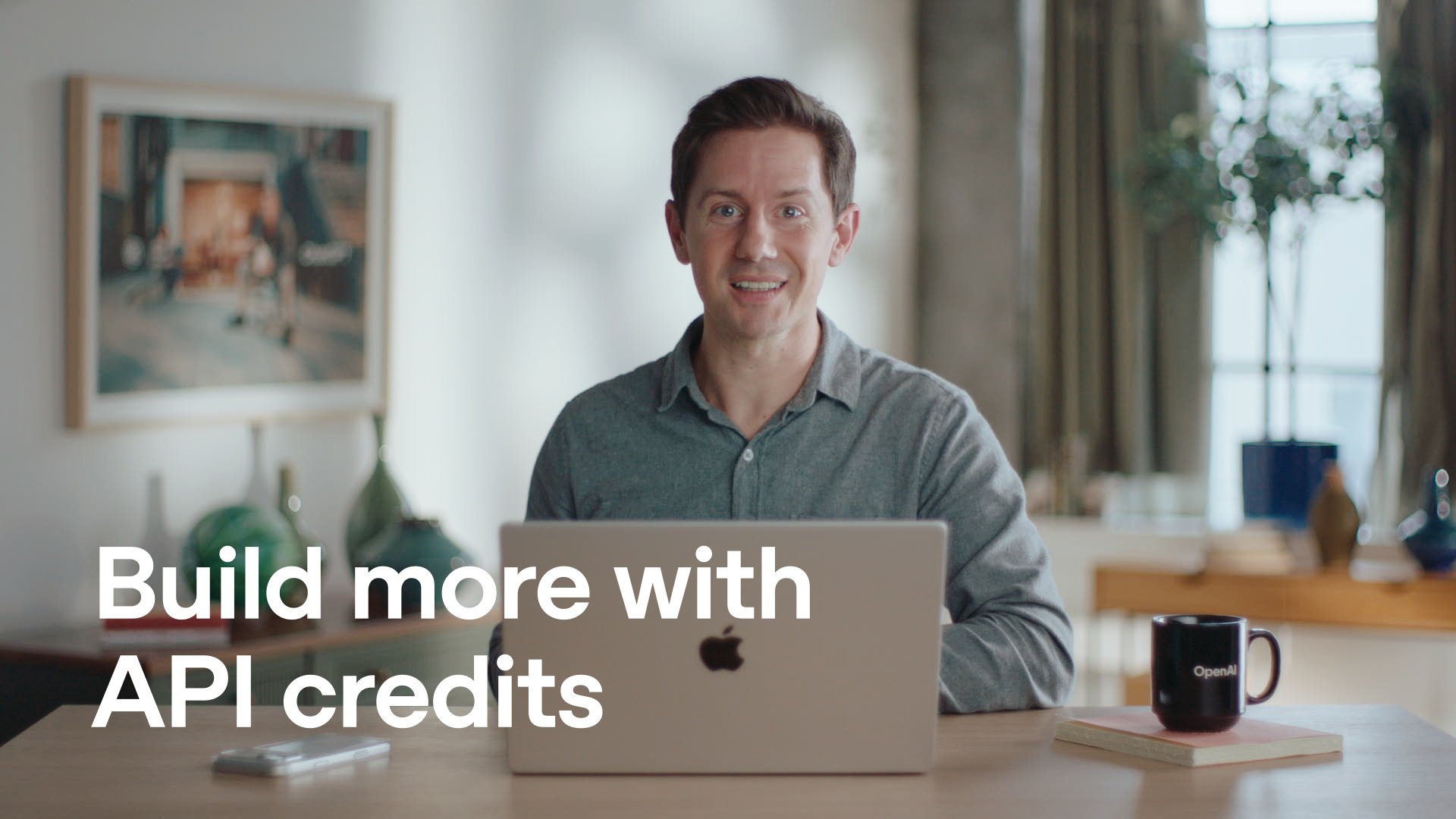
Method. Checked October 29, 2026, at 1:00 p.m. Manila time (05:00 UTC). Credit amounts, eligibility, coverage and the claim steps come from OpenAI’s developer guide; the date comes from OpenAI’s API changelog. The five-seat example and the steps labelled “our advice” are our own. The thumbnail is a still from OpenAI’s announcement video on X. No affiliate links on this page. How we work.
Spotted an error? See our corrections policy and tell us.