In this article
Vulnerability summary
- CVE
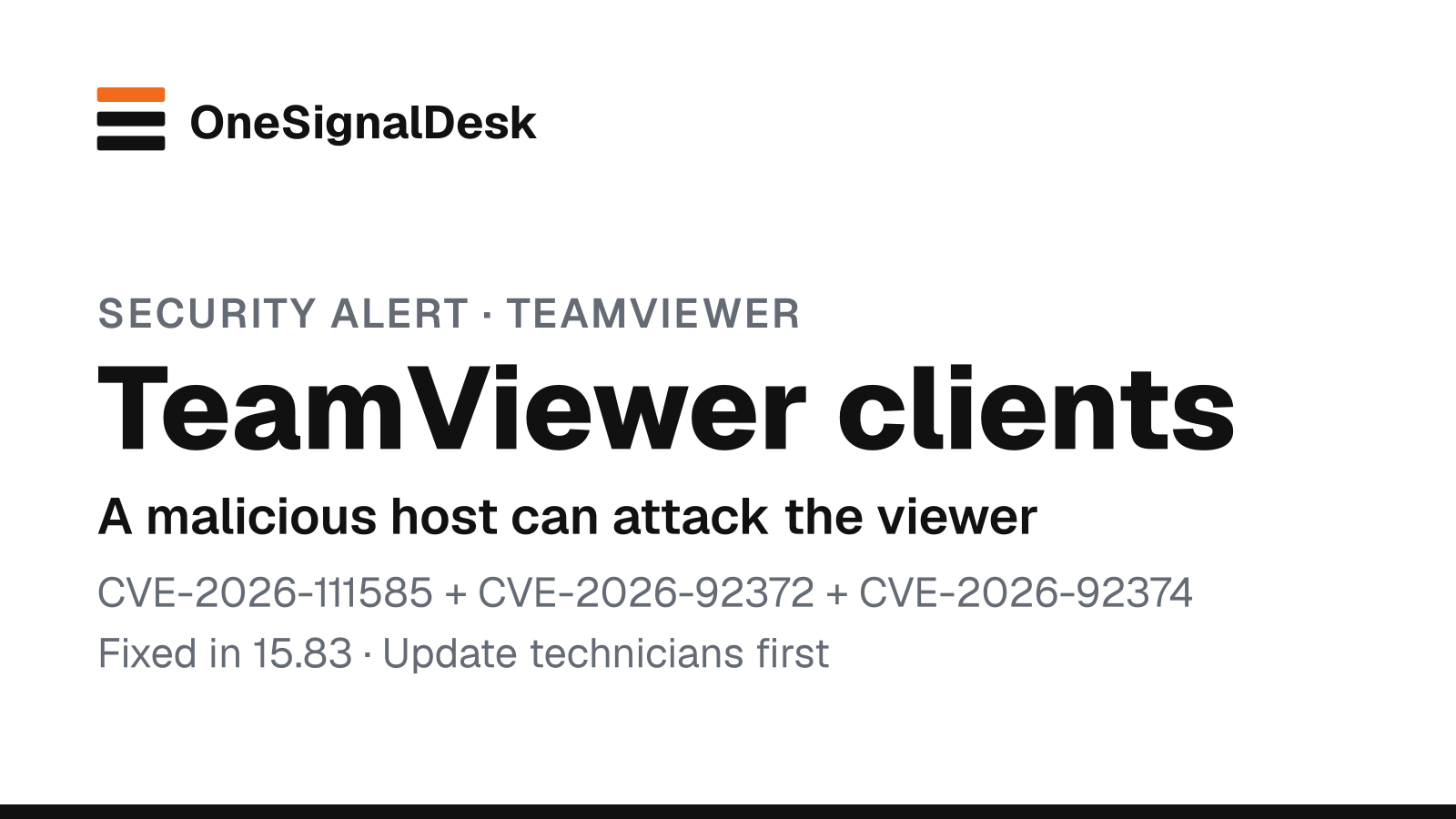
- CVE-2026-111585, CVE-2026-92372, CVE-2026-92374
- Exploited?
- No known exploitation. TeamViewer says it isn't aware of active exploitation, and none of the three CVEs was in CISA's Known Exploited Vulnerabilities catalog (version 2026.10.30) at our check. Researcher Remedio has published how CVE-2026-111585 works, including a code-execution demo on Windows.
Who is affected and what fixes it
| Product | Affected | Fixed in | Source |
|---|---|---|---|
| TeamViewer Full Client and Portable (Windows, Linux, macOS), CVE-2026-111585 | Before 15.83 | 15.83 | TeamViewer TV-2026-1011, checked |
| TeamViewer Remote Control app (Android), CVE-2026-111585 | Before 15.83 | 15.83 (Play Store or APK) | TeamViewer TV-2026-1011, checked |
| TeamViewer Full Client and Host (Linux, macOS), CVE-2026-92372 | Before 15.83 | 15.83 | TeamViewer TV-2026-1011, checked |
| TeamViewer Full Client and Host (macOS), CVE-2026-92374 | Before 15.83 | 15.83 | TeamViewer TV-2026-1011, checked |
| Legacy and maintenance builds (15.64 for Windows 7 and 8, 14.7, 13.2) | Builds before each fixed release | 15.64.10; 14.7.48868; 13.2.36231 (Windows), 13.2.154008 (Linux), 13.2.154007 (macOS) | TeamViewer TV-2026-1011, checked |
Patch checklist
- Check the TeamViewer version on every machine that runs it (the app's About information shows it). You want 15.83 or later.
- TeamViewer's advice: update to 15.83 or the latest version available. That covers Full Client, Host, Portable and the Android Remote Control app.
- Our advice: start with the computers your support staff use to connect out. CVE-2026-111585 attacks the person viewing a remote screen, not the computer being helped.
- Our advice: replace old Portable copies kept on USB sticks or shared drives. They don't update themselves.
- If you use TeamViewer's Remote Management add-ons, check them too. TeamViewer's separate bulletin TV-2026-1012 fixes six privilege-escalation flaws in Monitoring, Patch Management and Advanced Asset Management, with fixes delivered by auto-update.
If you can't update yet
- TeamViewer lists no workaround. Its fix is the update.
- Our advice: until a technician's machine is updated, don't use it to connect to computers you don't trust, and don't open .tvs session recordings from unknown sources on Linux or macOS (CVE-2026-92372).
How to check for compromise
Not confirmed, check the vendor advisory.
TL;DR: TeamViewer 15.83, released on October 27, 2026, fixes a flaw that flips the usual remote-support risk. A malicious or hacked computer can attack the technician who connects to it, crashing their TeamViewer or, depending on the platform, running code on their machine. The researcher who found it has shown code execution on Windows. There’s no known exploitation yet. Update every TeamViewer client to 15.83, starting with your support staff.
What happened
On October 27, TeamViewer published security bulletin TV-2026-1011, updated on October 28. It fixes three flaws in its clients:
- CVE-2026-111585 (CVSS 8.8, High): an integer overflow in the code that handles a remote screen. If you start a remote-control session to an attacker-controlled or compromised computer, that computer can crash your TeamViewer or “potentially execute arbitrary code” with your viewer’s privileges. It affects the Full Client and Portable on Windows, Linux and macOS, and the Android Remote Control app, before 15.83.
- CVE-2026-92372 (8.8): a flaw in the screen-image decoder of the Linux and macOS Full Client. A remote session, or a crafted
.tvssession recording you open, can run code. - CVE-2026-92374 (7.8): a race condition in the macOS privileged helper that lets a local user install a malicious package and get root.
TeamViewer says it isn’t aware of exploitation. The fix is version 15.83, with legacy builds for older 15.64, 14.7 and 13.2 installs.
On October 29, Omri Dar of security firm Remedio, who reported CVE-2026-111585 in August, published how it works. A host can claim a huge screen size. The viewer then miscalculates how much memory it needs, and the incoming screen data overflows the buffer. Remedio says the host can force the viewer onto the vulnerable code path by refusing the video codecs, and that accepting the session is all it takes. It demonstrated running its own program on a fully updated Windows viewer with Control Flow Guard and DEP turned on. It also says the vulnerable code was still present in 15.82.
Why it matters
Our read: most people think of the computer being helped as the one at risk. Here it’s the other way round. The technician’s machine, often an IT admin’s laptop with access to many clients, is the target, and the attacker only needs one compromised machine on the support list. That makes this a priority for small IT shops and managed service providers. Remote-access tools are a favorite way in for attackers. Our Security hub lists other patches worth doing now.
What to do now
Our advice: work through these steps in order.
- Update the support side first. On every computer used to connect to others, check the TeamViewer version and install 15.83 or later.
- Then update the rest: hosts, unattended-access installs and the Android Remote Control app.
- Hunt down old copies. Portable versions on USB sticks or shared folders, and old 14.7 or 13.2 installs, need their own fixed build or replacement.
- Check the add-ons. If you use Remote Management Monitoring, Patch Management or Advanced Asset Management, confirm their auto-updates landed (bulletin TV-2026-1012).
- Be careful with recordings. On Linux and macOS, don’t open
.tvssession recordings from people you don’t know until you’ve updated.
Our tip: keep a short list of the machines your team connects from. Those are the ones this flaw targets, so they should get TeamViewer updates first, every time.
Sources & method
| Source | What it confirms | Link |
|---|---|---|
| TeamViewer bulletin TV-2026-1011 (Oct 27, updated Oct 28, 2026) | The three CVEs, CVSS scores, affected products and versions, fixed versions including legacy builds, no known exploitation | TeamViewer |
| TeamViewer bulletin TV-2026-1012 (Oct 27, updated Oct 28, 2026) | Six privilege-escalation fixes in the Remote Management add-ons, delivered by auto-update | TeamViewer |
| Remedio, Omri Dar (Oct 29, 2026) | How CVE-2026-111585 works, the Windows code-execution demo, disclosure timeline | Remedio |
| NVD record | CVE-2026-111585 published Oct 28, 2026, Manila time (Oct 27 UTC), awaiting NVD analysis at our check | NVD |
| CISA KEV catalog (version 2026.10.30) | None of the three CVEs listed at our check | CISA |
Last checked: Nov 3, 2026, 11:54 a.m. Manila (UTC+8). Method: We read both TeamViewer bulletins and Remedio’s write-up, and checked the NVD record and CISA’s KEV catalog. Steps marked “Our advice”, tips marked “Our tip” and analysis marked “Our read” are ours, not TeamViewer’s or Remedio’s. No affiliate links. How we work.
Updates
- Nov 3, 2026, 11:54 a.m. Manila: We rechecked TeamViewer’s bulletin TV-2026-1011 (still last updated Oct 28): 15.83 is still the fix, with the same legacy builds, and TeamViewer still isn’t aware of exploitation. None of the three CVEs is in CISA’s KEV catalog. We also corrected a source note and labeled one step as our advice.
- Oct 31, 2026, 7:44 a.m. Manila: First published. We’ll add a dated note if TeamViewer or CISA reports exploitation.
Spotted an error? See our corrections policy and tell us.