In this article
Vulnerability summary
- Exploited?
- Exploit attempts, yes, according to Wordfence: it logged more than 18,500 requests aimed at the staged installer paths in the first 21 hours after its firewall rule went out. Wordfence's post doesn't report a confirmed compromise. No CVE ID was listed by WordPress or Wordfence at our check, so the flaw can't appear in CISA's Known Exploited Vulnerabilities catalog yet.
Who is affected and what fixes it
| Product | Affected | Fixed in | Source |
|---|---|---|---|
| WordPress 7.1 | 7.1.0 to 7.1.3 | 7.1.4 | WordPress 7.1.4 release notes, checked |
| WordPress 7.0 | 7.0.0 to 7.0.7 | 7.0.8 | WordPress 7.1.4 release notes, checked |
| WordPress 6.9 | 6.9.0 to 6.9.10 | 6.9.11 | WordPress 7.1.4 release notes, checked |
| WordPress 6.8 | 6.8.0 to 6.8.11 | 6.8.12 | WordPress 7.1.4 release notes, checked |
| WordPress 4.7 to 6.7 (older branches) | Each branch before its security release | 4.7.39 up to 6.7.11 (full list below and in WordPress's notes) | WordPress 7.1.4 release notes, checked |
| WordPress 4.6 and earlier | Not confirmed, check the vendor advisory. These versions no longer get security updates | No fix: move to a supported release such as 7.1.4 | WordPress 7.1.4 release notes, checked |
Patch checklist
- Open Dashboard › Updates and check the version WordPress reports. With WP-CLI, run
wp core version. - WordPress's advice: update now. Install 7.1.4, or the security release for your branch (for example 7.0.8 or 6.9.11). With WP-CLI:
wp core update. - Wordfence's advice: don't assume the automatic background update ran. Confirm the version after the update.
- If a host, agency or freelancer runs your site, ask them to confirm the version number in writing.
If you can't update yet
- Wordfence Premium, Care and Response customers got a firewall rule on Oct 28. Wordfence Free sites get it on Nov 27, 2026. Wordfence says the firewall must run in Extended Protection mode to catch this, and that it doesn't replace the update.
- Our advice: ask your host whether wp-content/upgrade can be reached from the web. The attack depends on that folder being web-accessible, so blocking web requests to it narrows the risk until you update.
How to check for compromise
- Wordfence's advice: if your site stayed unpatched, look in your access logs for requests to PHP files under wp-content/upgrade, and check for admin accounts, plugins or PHP files you didn't add. Then run a malware scan.
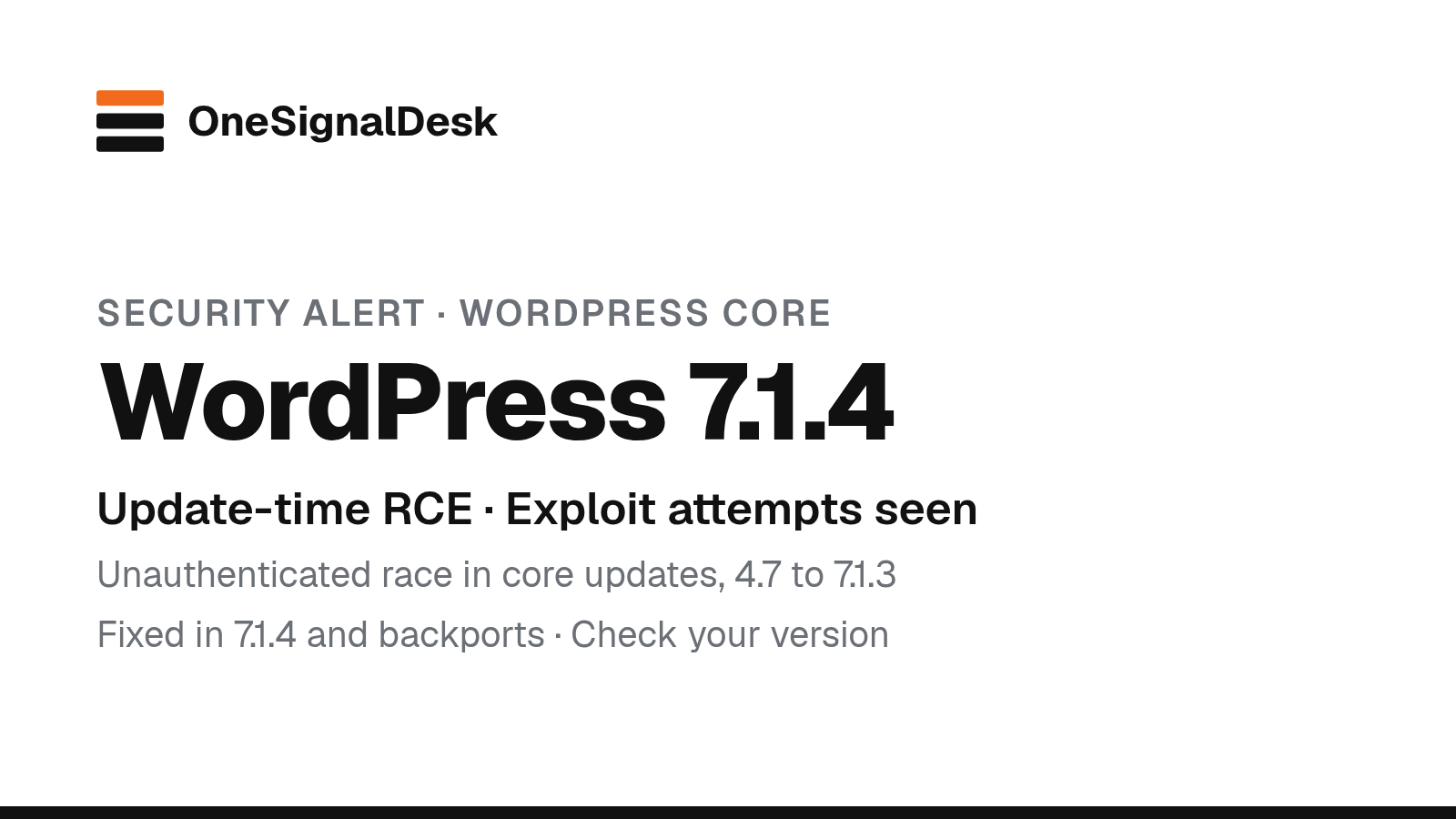
TL;DR: WordPress 7.1.4, released on October 28, 2026, fixes 22 security flaws. The worst lets an attacker with no account run code on the server, but only during a short window while WordPress unpacks a full core update. Wordfence says attackers began probing for it within minutes of its firewall rule going live. Every branch from 4.7 to 7.1 got a fixed release. Check that your site actually updated.
What happened
On October 28, 2026, WordPress released version 7.1.4 as a security release and told site owners to update immediately. Its release notes count 22 vulnerabilities. The list includes many stored cross-site scripting (XSS) issues, most needing a Contributor account or higher, plus a leak of unpublished Customizer changes to logged-out visitors. It also covers “a race condition during core updates that could lead to remote code execution,” reported by Umut Bayram.
Wordfence explained that flaw on October 29. During a core update that uses a complete WordPress package, versions 4.7 to 7.1.3 unpack the new files into a predictable folder under wp-content/upgrade, and that copy includes the WordPress installer. On many servers the folder can be reached from the web. An attacker who requests the staged installer at the right moment can move on to running PHP code. Wordfence rates it 8.1 (High) and calls the attack complexity high: in its lab tests the window lasted only seconds.
Attackers are trying anyway. Wordfence says the first hit on its new firewall rule came nine minutes after it went out at 20:30 UTC on October 28 (4:30 a.m. October 29, Manila). It logged more than 18,500 requests to staged setup-config.php paths in the first 21 hours. Two of the biggest sources kept polling small groups of sites for about 14.5 hours, which Wordfence says fits an attempt to catch the update window. Wordfence’s post doesn’t report a confirmed compromise, and neither WordPress nor Wordfence listed a CVE ID at our check.
WordPress 7.1.4 fixes the flaw by randomising the staging folder, adding an index guard and blocking unsafe use of staged configuration data. The fixes were backported to every branch back to 4.7, and WordPress’s update API offered all 25 fixed releases at our check. WordPress 4.6 and older no longer get security updates.
Why it matters
Our read: most WordPress sites update minor releases on their own, so many are already fixed. The risk sits with sites where automatic updates are off, broken or blocked by the host. Those are often small business sites that nobody has logged into for months. The exploit needs luck, but attackers are automating that luck. And the other 21 flaws are worth closing too, especially on sites with several editors or guest authors. It’s another week where the web stack under a small site needed fast patching, after PHP’s October 21 critical fixes.
What to do now
- Check your version. Open Dashboard › Updates, or run
wp core version. You want 7.1.4, or the security release for your branch. - Update if you’re behind. Click Update Now, or run
wp core update. Take a backup first if you can. - Know your branch’s fixed version. The fixed releases are 7.1.4, 7.0.8, 6.9.11, 6.8.12, 6.7.11, 6.6.11, 6.5.14, 6.4.14, 6.3.14, 6.2.15, 6.1.16, 6.0.18, 5.9.20, 5.8.19, 5.7.21, 5.6.23, 5.5.24, 5.4.25, 5.3.27, 5.2.30, 5.1.28, 5.0.31, 4.9.35, 4.8.34 and 4.7.39.
- If you run Wordfence, check that the firewall is set to Extended Protection. Free users won’t get this rule until November 27.
- If your site was behind, look for requests to PHP files under
wp-content/upgradein your logs, plus admin accounts, plugins or PHP files you didn’t add. Then run a scan.
Our tip: if you look after several client sites, a quick wp core version loop over them (or your management dashboard’s version column) shows the laggards in a minute. For more patch guides, see our security hub.
Sources & method
| Source | What it confirms | Link |
|---|---|---|
| WordPress 7.1.4 announcement (Oct 28, 2026) | Security release, update-immediately advice, the upgrade-process RCE and its reporter, backports to branches through 4.7 | WordPress.org |
| Version 7.1.4 release notes (Oct 28, 2026) | 22 vulnerabilities, the full fix list, which branches are affected and each branch’s fixed version, 4.6 and earlier unsupported | WordPress.org |
| WordPress update API | All 25 fixed releases, 4.7.39 to 7.1.4, offered at our check | WordPress.org API |
| Wordfence (Oct 29, 2026) | How the race works, CVSS 8.1, exploit attempts (18,500+ requests in 21 hours), firewall rule dates, the steps for site owners | Wordfence |
| Wordfence Intelligence entry | Affected range 4.7.0 to 7.1.3, patched versions, no CVE ID listed | Wordfence |
| SecurityWeek (Oct 30, 2026) | Independent coverage | SecurityWeek |
Last checked: Oct 30, 2026, 10:08 p.m. Manila (UTC+8). Method: We read WordPress’s announcement and release notes, checked the fixed releases in WordPress’s update API, and read Wordfence’s analysis and its vulnerability entry. Steps marked “Our advice”, tips marked “Our tip” and analysis marked “Our read” are ours, not WordPress’s or Wordfence’s. The thumbnail is an original OneSignalDesk card summarising WordPress’s release notes and Wordfence’s analysis. No affiliate links. How we work.
Updates
- Oct 30, 2026, 11:00 p.m. Manila: First published. We’ll add a dated note if a CVE ID is assigned or Wordfence reports confirmed compromises.
Spotted an error? See our corrections policy and tell us.